Adobe Premiere Pro
Keep the CSV beside the project as the human-readable source log. Use Premiere XML when you need a timeline handoff from Focus.
Open workflow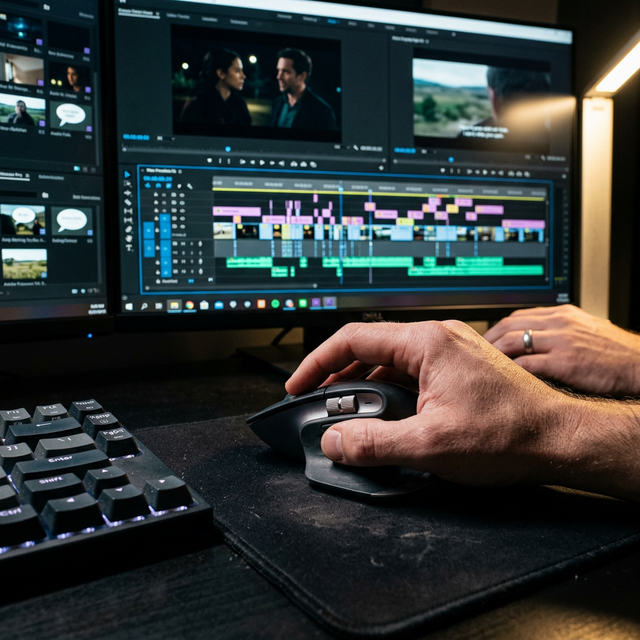
Free template · CC BY 4.0
Download a CSV or Markdown selects log for recording source files, timecodes, quotes, people, topics, verification, intended use, status, and notes.
Short answer
Each row keeps an editorial decision tied to the original media: filename, source path, in point, out point, quote or visual description, person, topic, verification, intended use, status, and notes.
Field guide
The field names stay simple so the file works in Excel, Numbers, Google Sheets, Airtable, or an internal tool.
| clip_name | Original media filename |
|---|---|
| source_path | Folder or volume path used to verify the source |
| start_time / end_time | Exact usable range in HH:MM:SS.mmm |
| type | Quote, B-roll, reaction, scene, insert, or another useful label |
| quote_or_visual_description | Verbatim quote or a literal description of what is visible |
| person / topic | Who appears or speaks, and the subject of the moment |
| source_verified | Yes only after a person plays the original range |
| intended_use / status | Why the moment matters and whether it is review, approved, or rejected |
| notes | Continuity, sound, rights, quality, or editorial context |
Filled example
These examples are fictional and contain no client data.
| Clip | In | Out | Type | Quote or visual description | Status |
|---|---|---|---|---|---|
| interview-a.mov | 00:12:14.200 | 00:12:27.800 | Quote | The first version failed because we skipped the research. | Approved |
| broll-office-03.mov | 00:03:41.000 | 00:03:47.500 | B-roll | Hands arranging printed storyboards on a desk | Review |
| reaction-cam-b.mov | 00:26:08.100 | 00:26:11.900 | Reaction | Speaker pauses and smiles after the answer | Approved |
NLE handoff
A CSV is a review document, not a universal project file. Pair it with the right export for your NLE.
Keep the CSV beside the project as the human-readable source log. Use Premiere XML when you need a timeline handoff from Focus.
Open workflowUse the log for editorial review and an EDL or FCPXML file when the selected ranges need to move into a timeline.
Open workflowUse the CSV as the review record and FCPXML for timeline transfer. The CSV itself is not a Final Cut project file.
Open workflowLog useful ranges, then export trimmed MP4 clips and optional SRT captions. Focus does not currently create a CapCut project file.
Open workflow