Yosemite Valley
Remember the shot, not the filename.
Describe what is in the frame. Visual results show the matching moment with its source and timestamp.
Explore visual searchSearch your videos by what you see or hear. Review the original moment and save it for your next edit. Right on your computer.
30 videos free. No time limit. No credit card.
For Mac and Windows
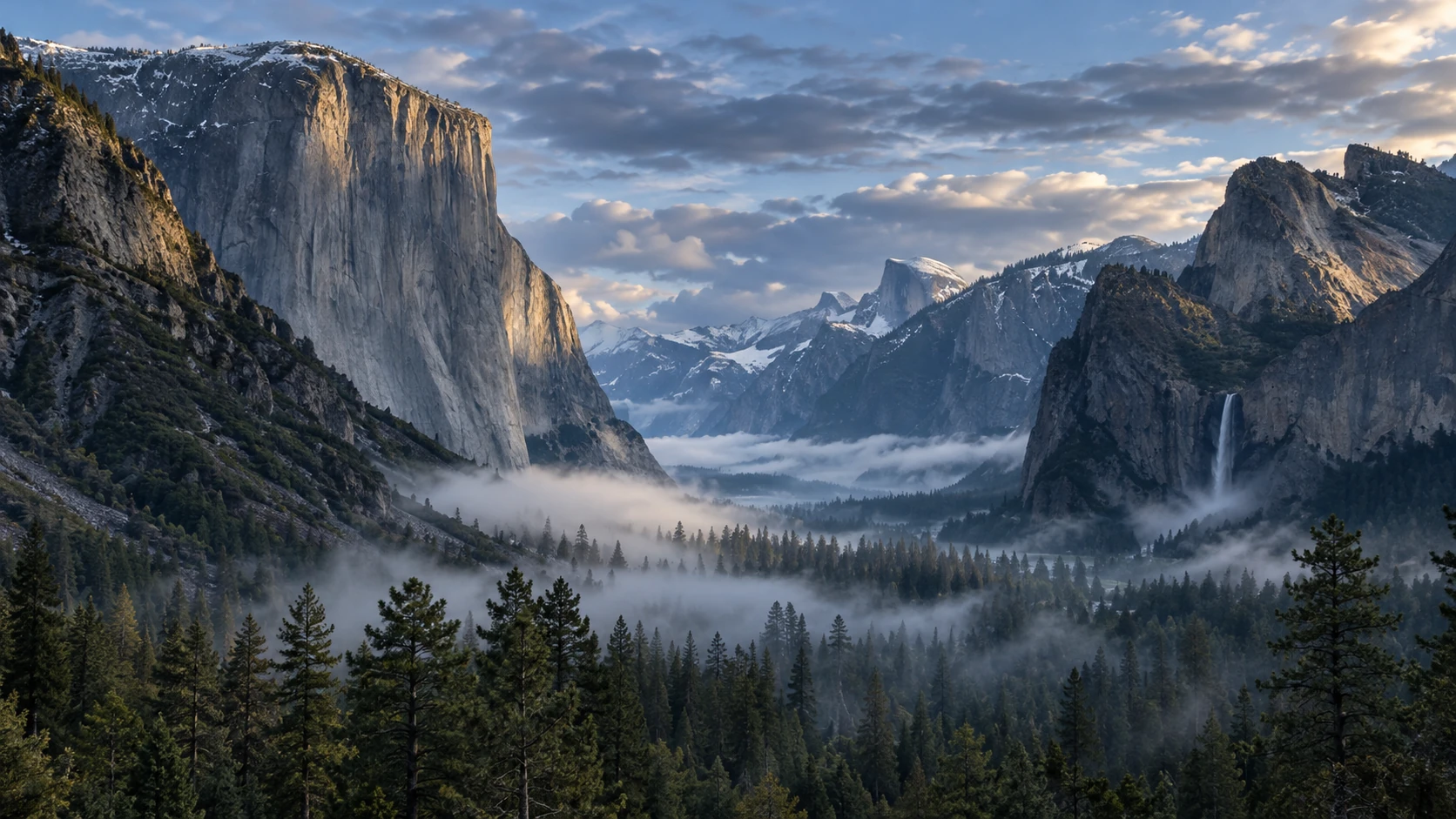

A place, a detail in the frame, a sentence from an interview. Search across your analyzed videos, then open the original moment.
Describe what is in the frame. Visual results show the matching moment with its source and timestamp.
Explore visual searchSearch spoken words across local transcripts. Play the passage in context, check the text and keep the useful part.
Example line: “Then the valley opened up.”
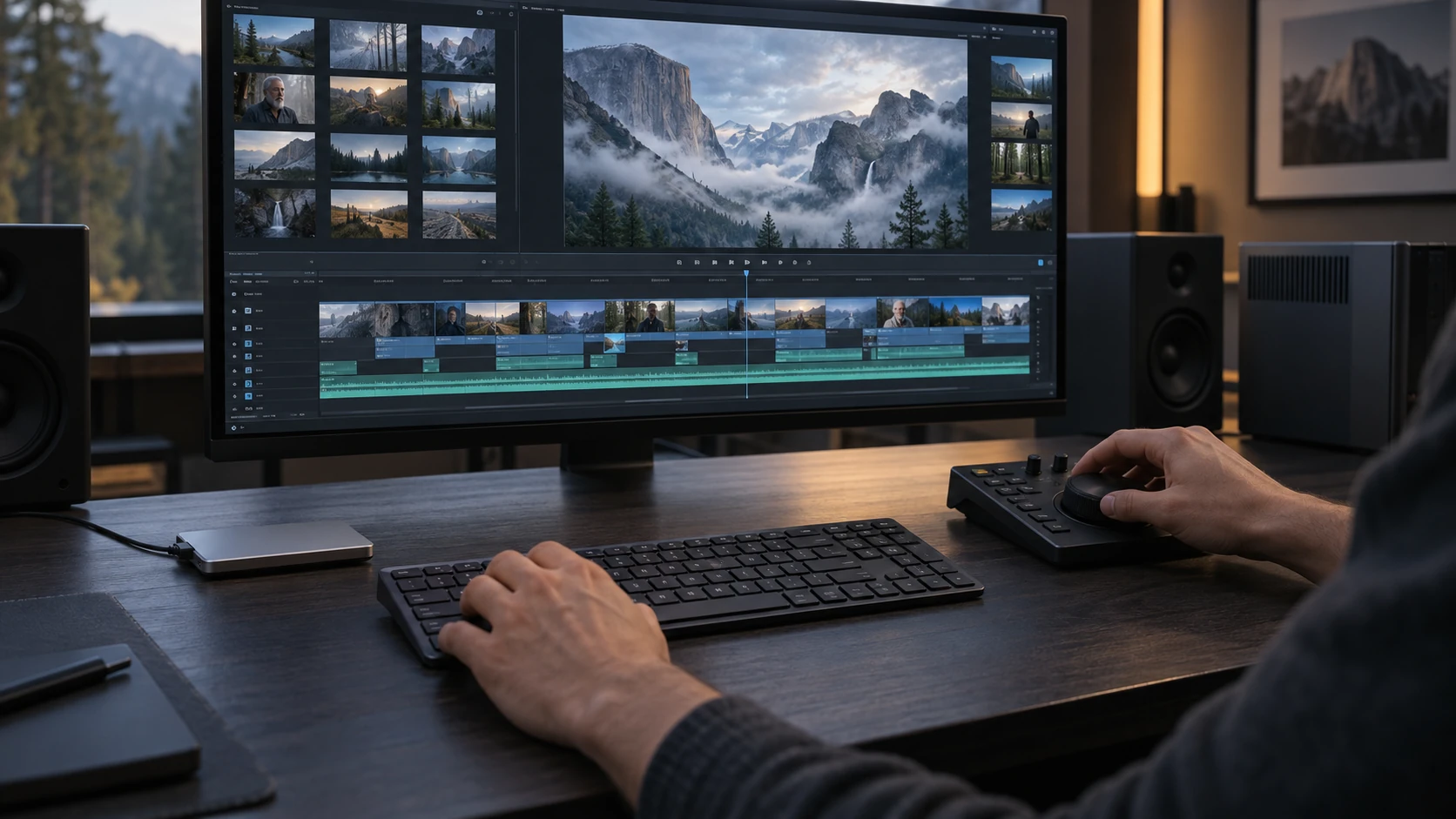
With Focus Pro, arrange the moments you chose into a Sequence. Export the edit for Premiere Pro, DaVinci Resolve or Final Cut Pro, with references to the source media.
Sequences and advanced editor exports require Pro.
See what Pro includesArrange and trim the moments you chose. This illustration brings five example clips together.
Choose a handoff format for your editor. The illustration shows FCPXML selected.
Illustrative sequence. Export compatibility depends on your media and chosen format.
Follow a result back to the video and timestamp.
Check what comes before and after. Keep the part your story needs.
Bring reviewed moments together before you arrange an edit.
Look for the words you remember, check the speaker in context and keep the passage for your story.
Interview workflowFind a landscape, a person or a visual detail across footage from earlier projects.
Archive workflowCollect useful moments, put them in order and take a Sequence into your editor with Pro.
Editor workflowUse the assistant to find footage, summarize a video or help shape a sequence. Choose the current library, a video or a sequence as the context, and review the sources it returns.
Explore the assistantFind videos about…
Explore a topic across the current library.
Summarize this video.
Work with a specific video and its analyzed content.
Help me shape this sequence.
Work from the moments you have already selected.
Available answers depend on the analysis, models and context you choose.
Core analysis and search run on your computer, without uploading your library. Download the models once, then work offline. Optional connected features are your choice.
Read the privacy detailsTry it with your own footage first. Buy when you need to index more than 30 videos.
$49one-time
Find and keep the moments you need.
$89one-time
Prepare your footage for the edit.
Start with Personal. Upgrade to Pro later by paying the difference.
Find a moment in your own footage. Play the source. See if Focus fits the way you work.
30 videos free. No time limit. No credit card.