Focus guides
See how Focus works. Then try it on your footage.
Watch a 27-second capture of the real app, or pick a task below. Each guide shows the exact steps and what to check in your result.
Library
Open a recording.
Begin with one local source file.
Real Focus product capture. Select a chapter to jump to that part of the workflow.
Your first result
Start with one long recording.
A fixed-camera video is a simple first test. Find → People returns passages to review, while the original recording remains available for context. Select a step to see the corresponding Focus screen.
Follow the full people-finding guideChoose your task
A guide for the job in front of you.
Each guide follows one task from the original footage to a result you can check. Start with the problem closest to yours.
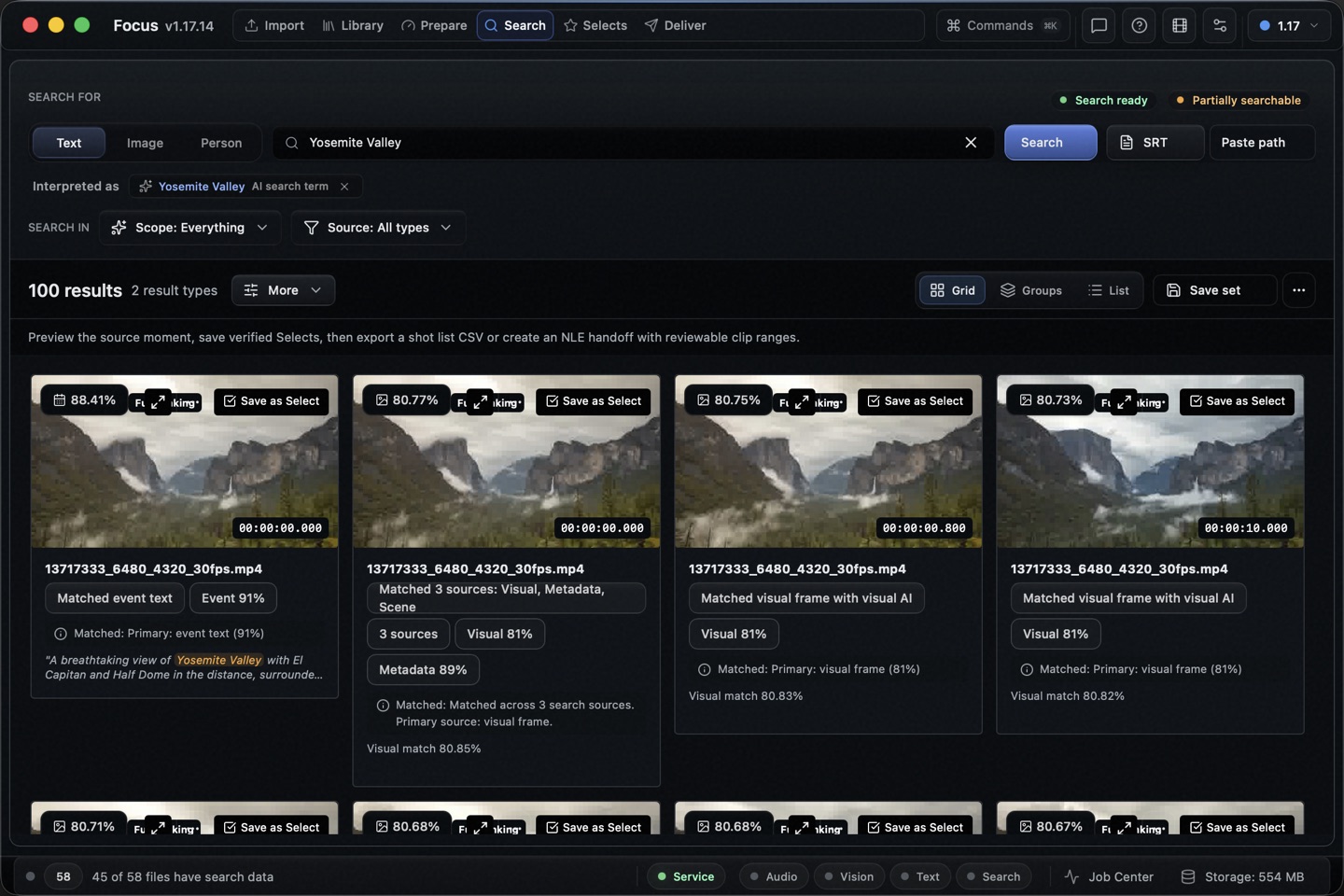 10 / Correct a transcript
Add a missing transcript line and find it again
Set the words and source times for a line missed by automatic transcription, then find it across your Library.
Open guide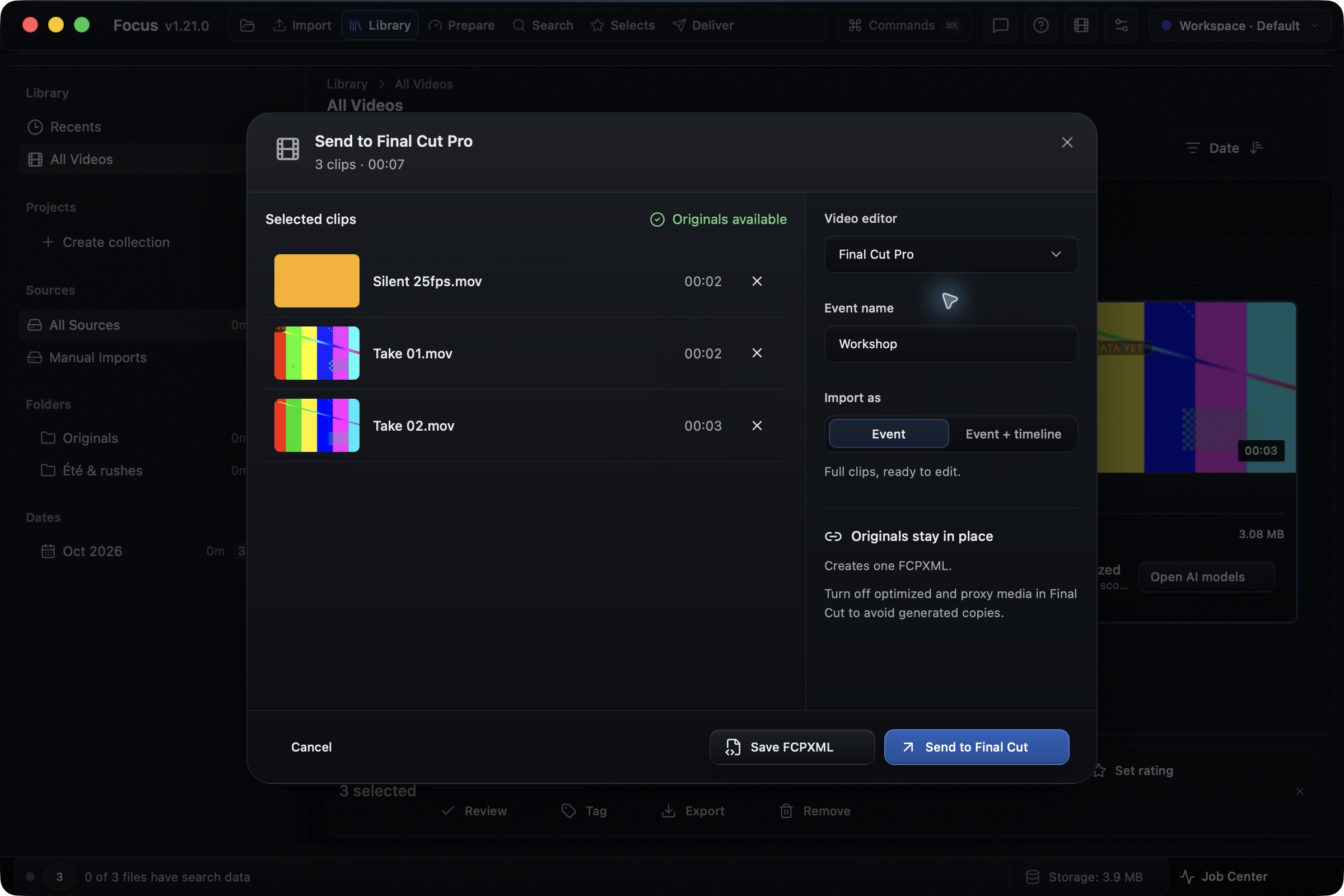 09 / Transfer full clips
Send Library clips to your video editor
Select whole original videos and bring them into Final Cut Pro, Premiere Pro or Resolve, with an optional starting timeline.
Open guide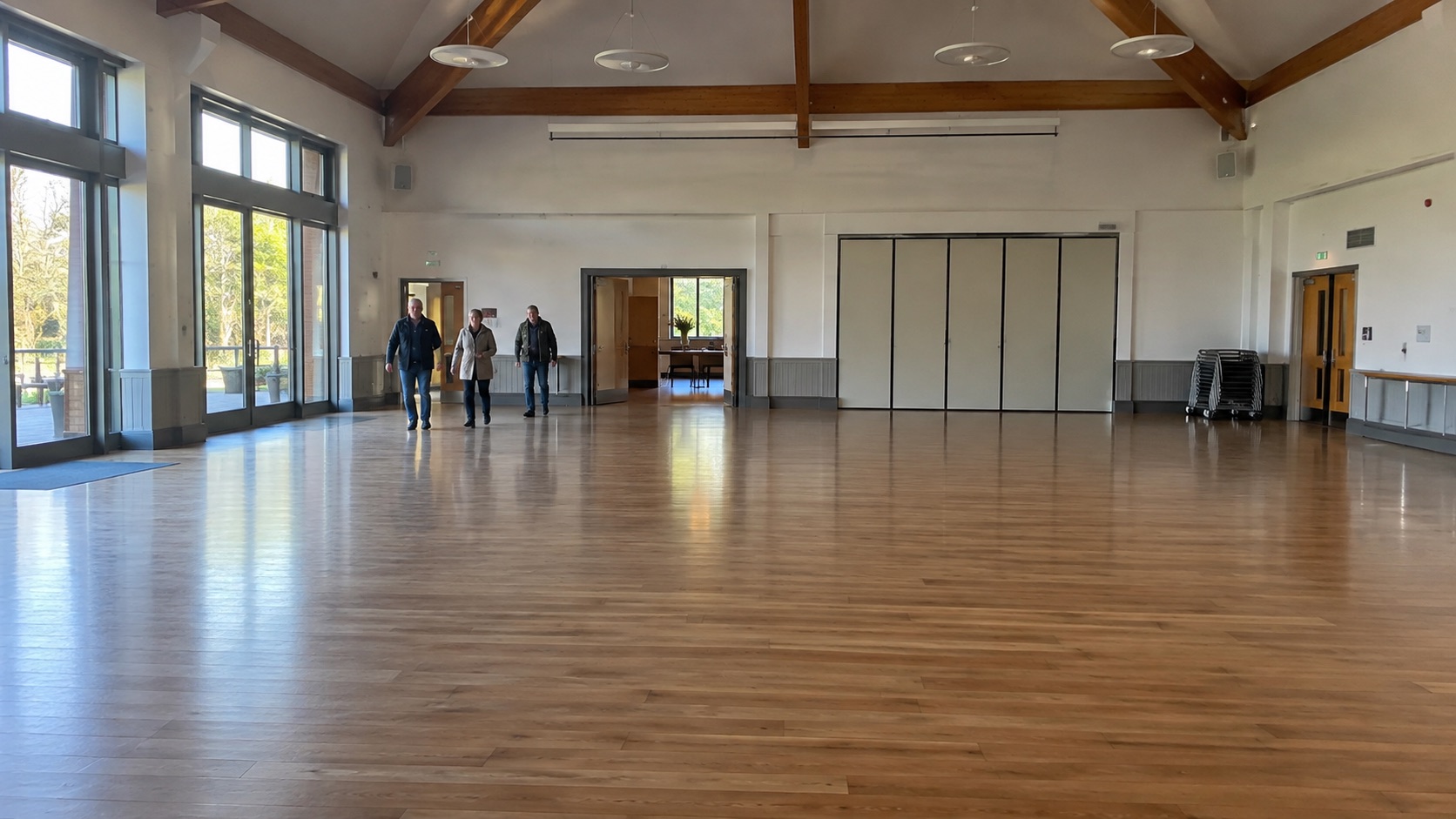 01 / Find passages
Find people in hours of footage
Scan an unattended tripod or fixed-camera recording and review the passages where someone appears.
Open guide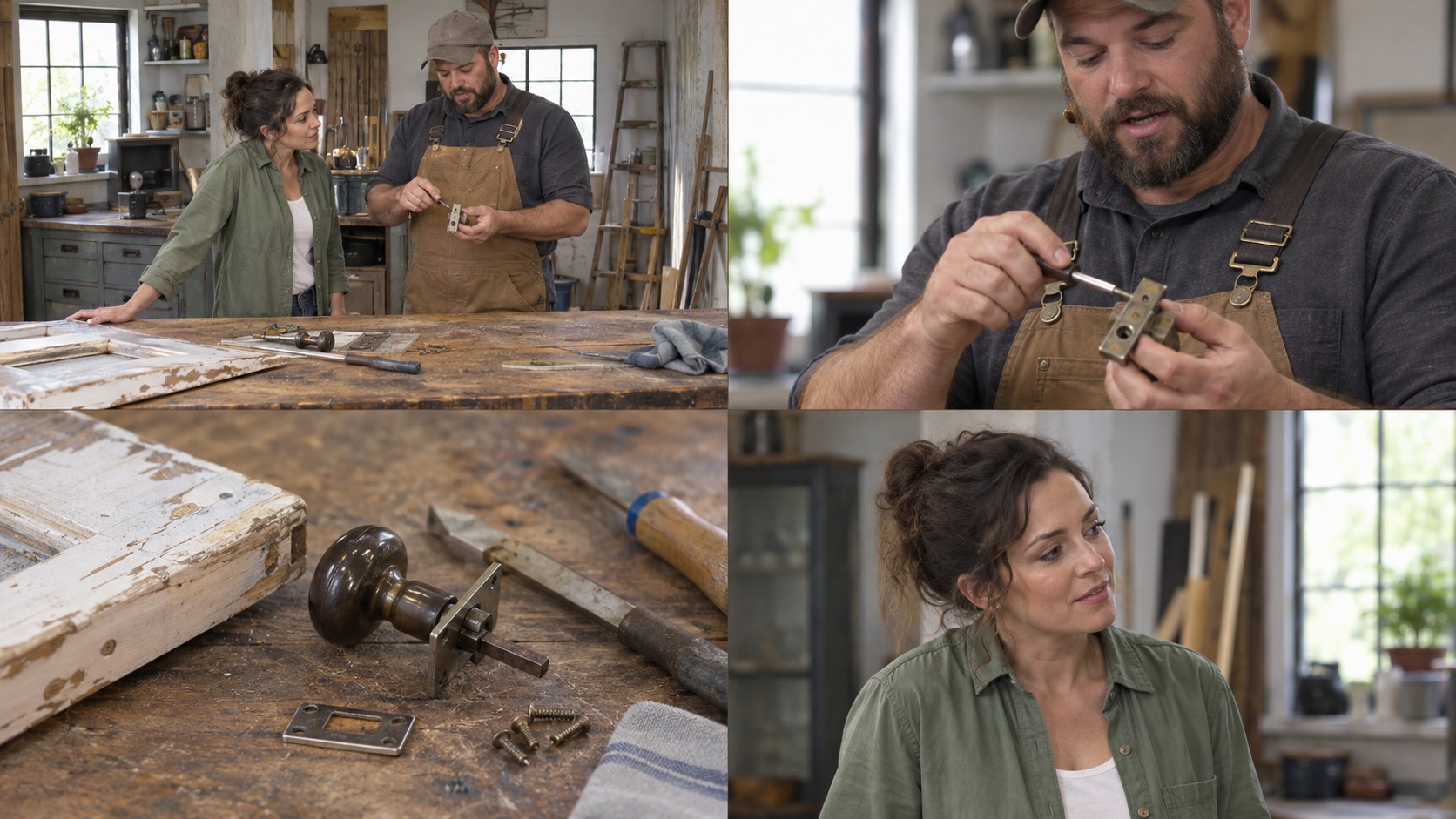 02 / Select shots
Detect cuts and keep the right shots
Split a cut-heavy recording into shots, review with U, I, J and K, then export the kept result.
Open guide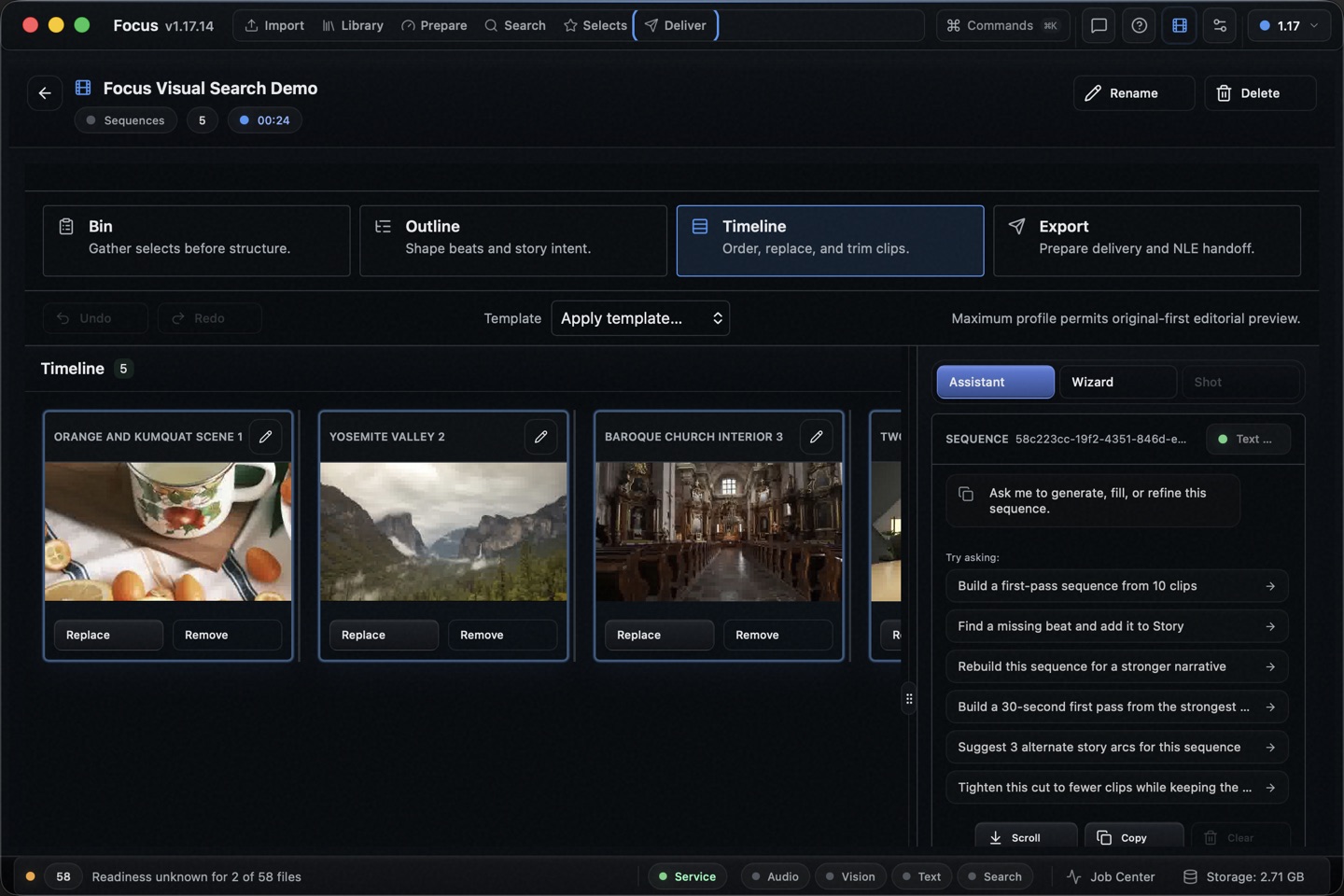 03 / Build an edit
Edit a long recorded workshop
Find an explanation and a visual demonstration, save the useful ranges, and hand off a short Sequence.
Open guide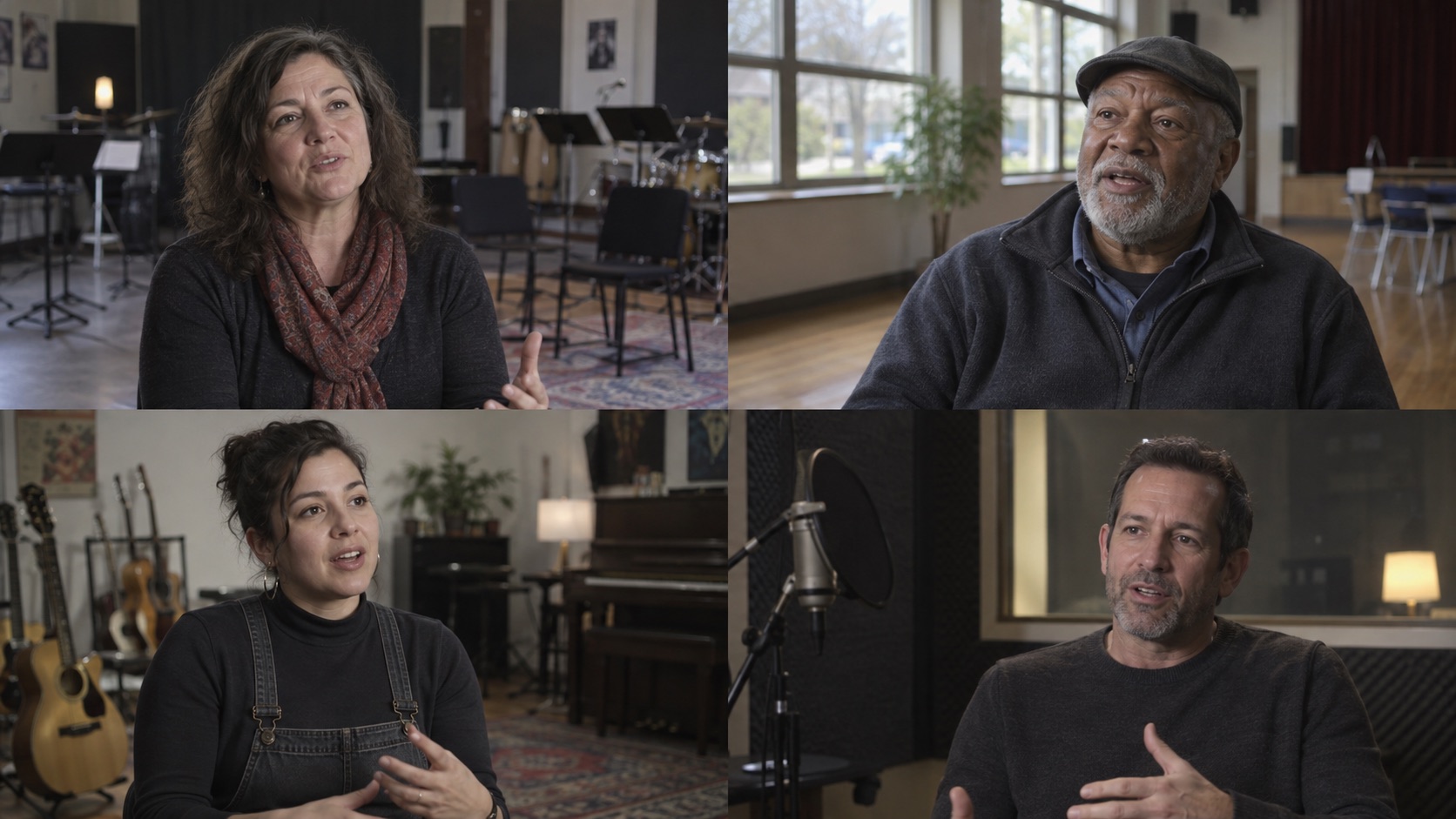 04 / Search speech
Find a quote in interview footage
Search what someone said, listen in context, and save the answer you want to use.
Open guide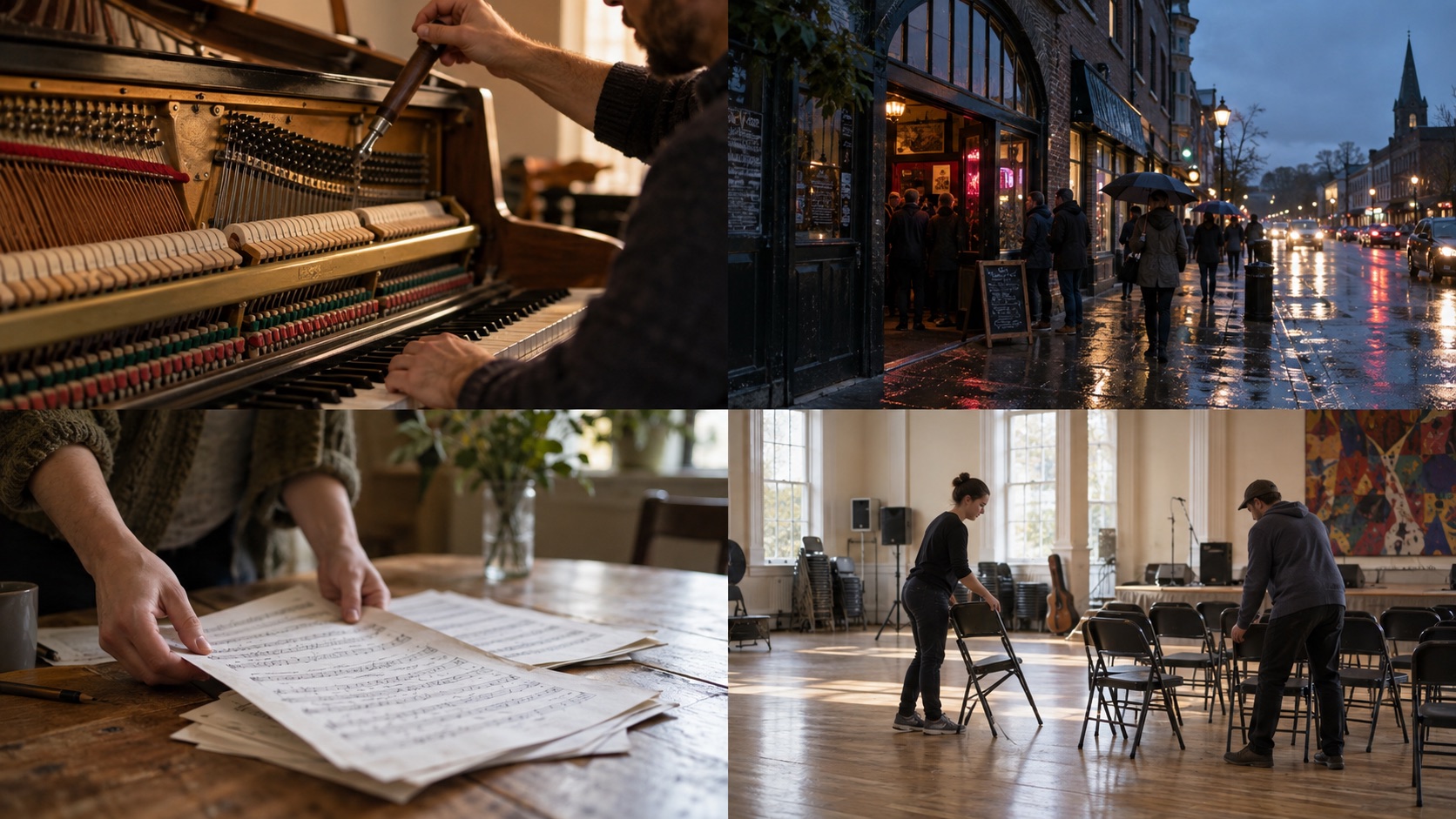 05 / Search visuals
Find B-roll without tagging every shot
Describe a visible action, inspect the source, and keep the right range.
Open guide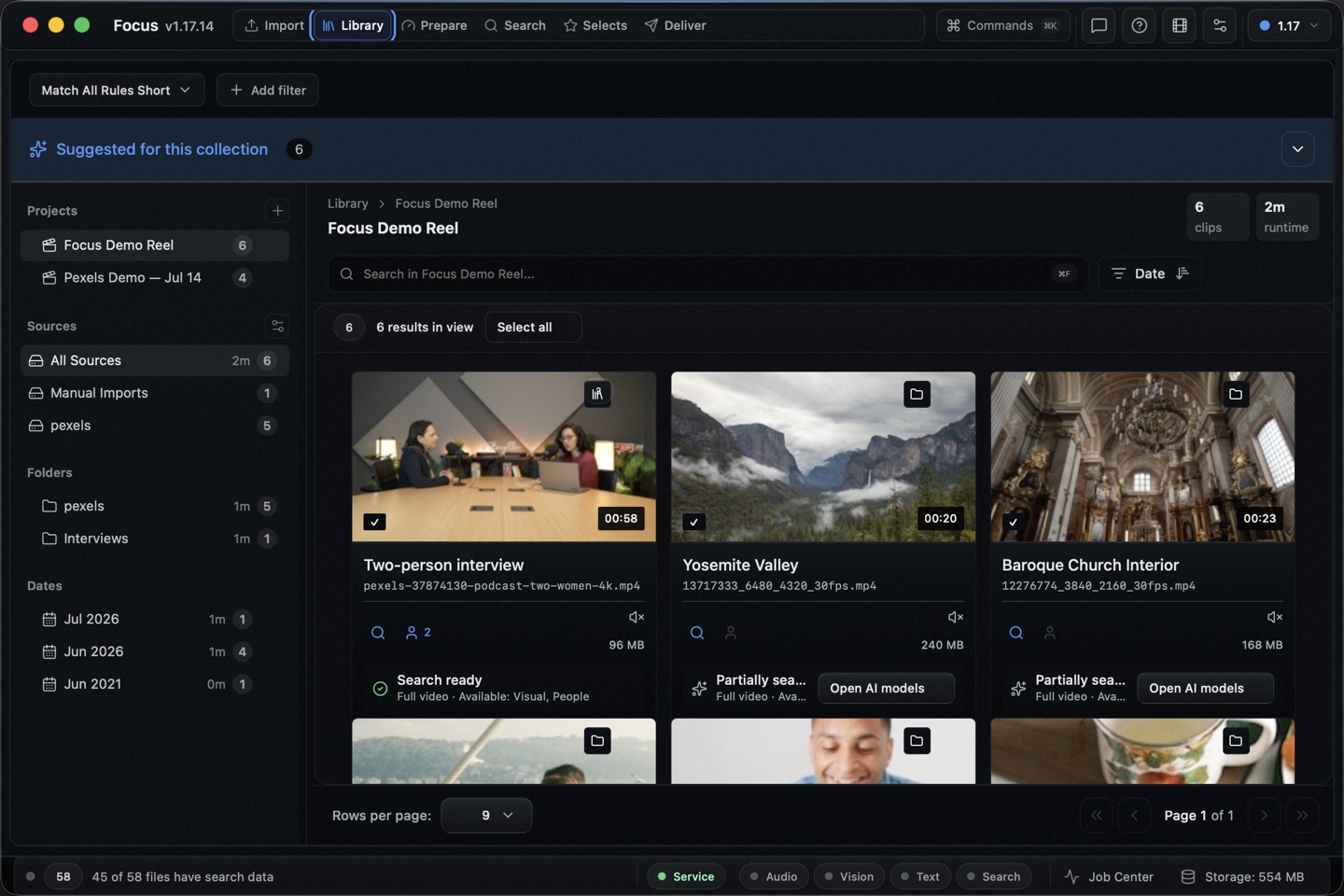 06 / Search an archive
Search a NAS archive in place
Add a mounted folder to Focus while keeping the original video files where they are.
Open guide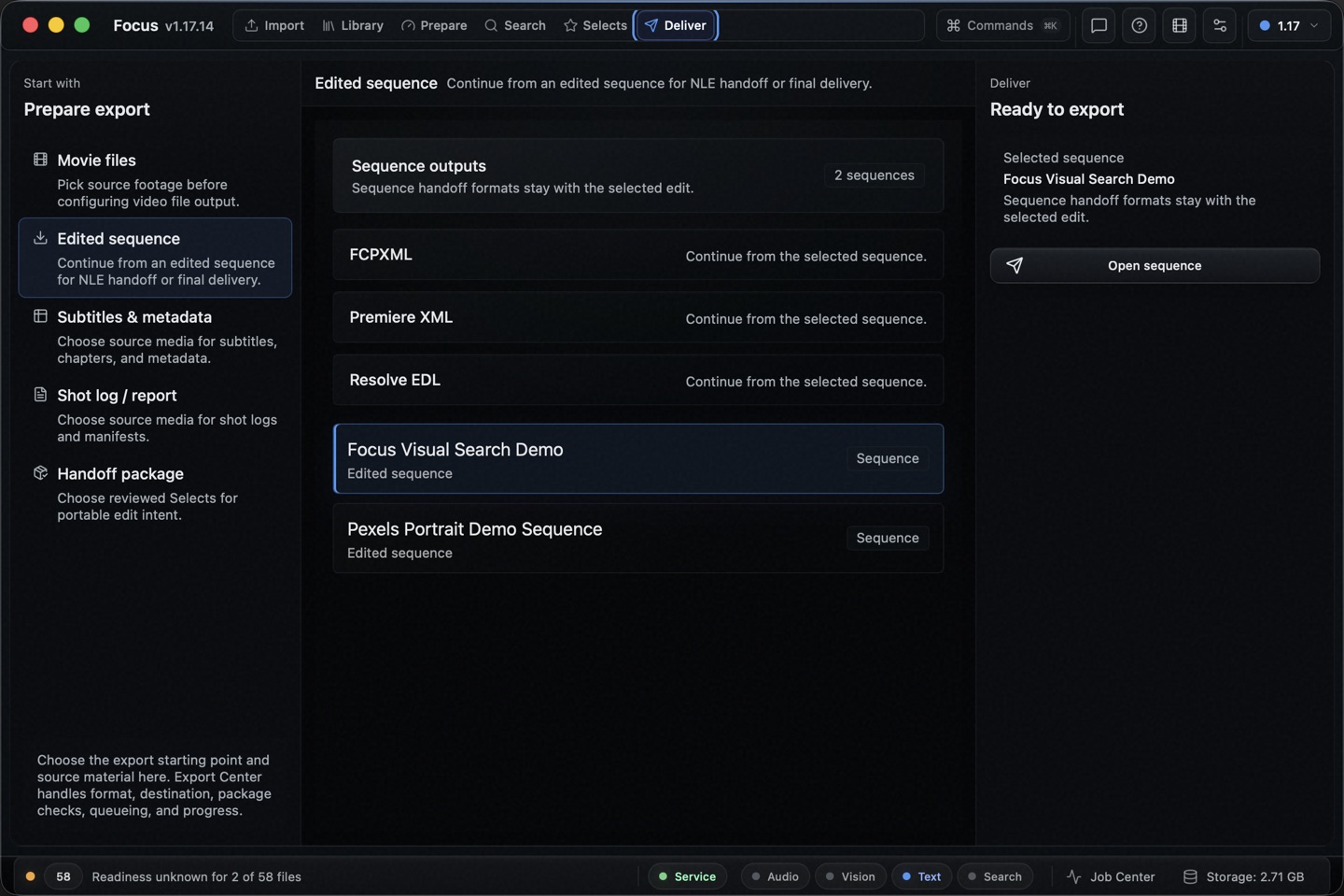 07 / Hand off an edit
Send a Sequence to Premiere Pro
Save useful clips, arrange a Sequence, and export a Premiere XML timeline.
Open guide 08 / Keep source files
Send Selects to Final Cut or Resolve
Choose moments across several files and export a small FCPXML linked to the original videos.
Open guideFocus
Have one video in mind?
Try the matching guide with that file. The first useful result will tell you more than a feature list.