Focus field guide / 01
Find the moments with people in hours of footage.
Leave a camera recording, then open the video in Focus. Find → People scans for passages where anyone is visible, so you can review those moments instead of watching the empty stretches.
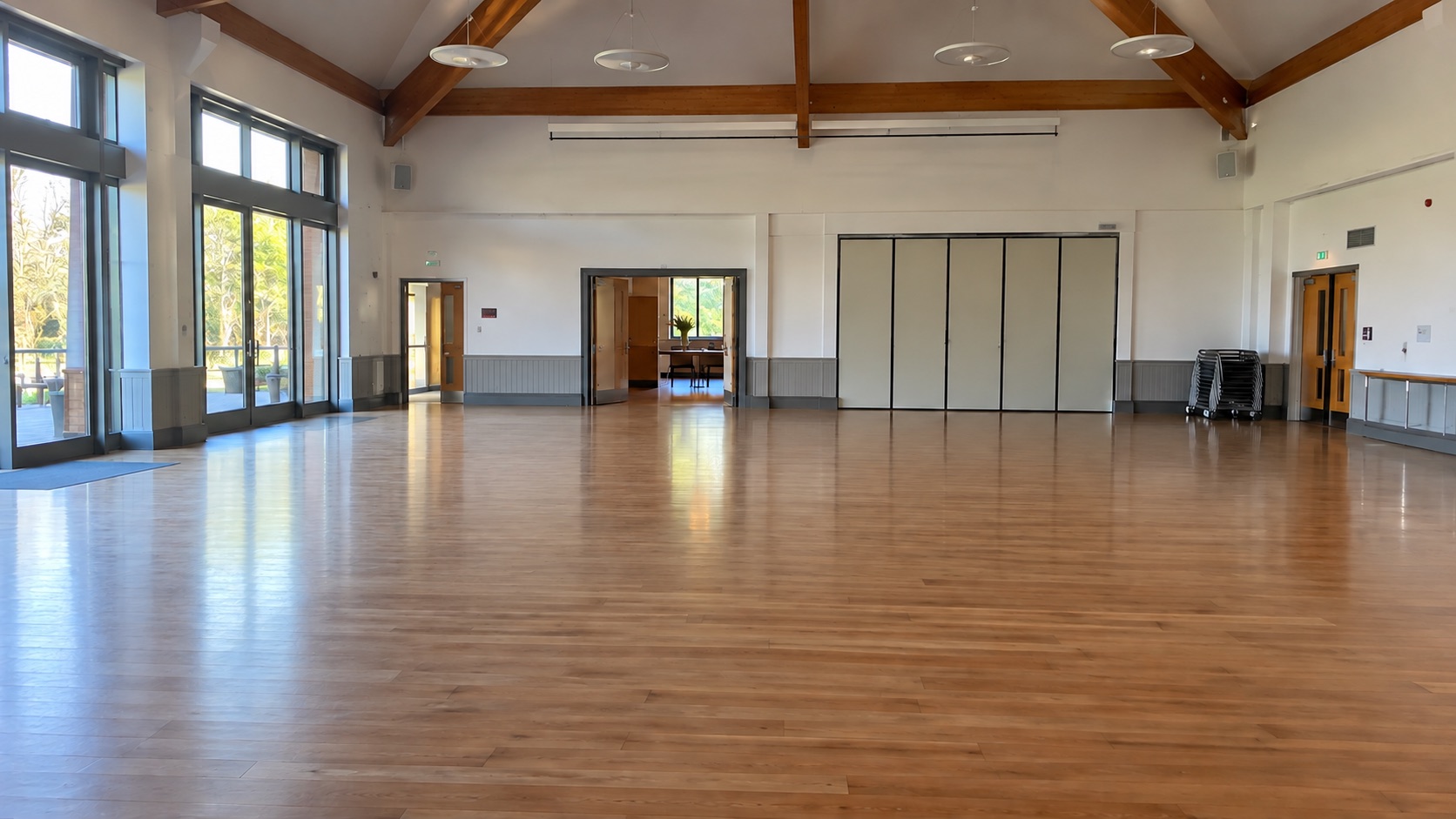 00:00:00Source video
Illustrative example with generated video frames and sample timecodes. It is not an app capture or a measured detection result.
In short
How to Find People in Hours of Video Footage
Updated · Focus
Open the recording in Focus, choose Find → People, set Search in to Entire video, and run Find people. Focus returns timecoded passages with visible people. Play each result in the original video, since brief or obscured appearances can be missed.
The real workflow
From a long recording to the passages worth checking.
This works with a tripod shot, a fixed camera, or another long recording. Start with one file so you can judge the results on your own footage.
- 01
Open the recording.
Open your local video in Focus. You can work with a single file without organizing a whole library first.
Open videoCaptured in the Focus app - 02
Choose Find → People.
Under Find passages, choose People. This looks for anyone visible in the frame. Person by name is a different tool for people you have already identified.
Find / PeopleCaptured in the Focus app - 03
Scan the entire video.
Set Search in to Entire video, then choose Find people. Fast checks every two seconds and refines passages. Use High or Max when short appearances matter.
Entire video / Find peopleCaptured in the Focus app - 04
Open and verify the passages.
Jump between the timecoded results and play each one in its source context. Check the start and end of anything important before you use it.
Review resultsCaptured in the Focus app
Before you run it
Do I need to identify or name the people first?
No. Find → People looks for any visible person. Person by name is a separate search for people already identified in your footage.
Can I use a fixed security camera recording?
Yes, if you have the local video file. Choose Entire video and review the returned passages. The result is a review aid, not a guarantee that every appearance was found.
What if someone appears only briefly?
Try High or Max scan depth, then check the surrounding source footage. Fast is a useful first pass, but shorter appearances need closer sampling.
Focus
Spend your attention on the passages, not the empty hours.
Open one recording in Focus and check whether People finds the moments you need.
Try it with your videoDetect the shot changes, keep the useful plans, and export the result.
See the cut detection guide