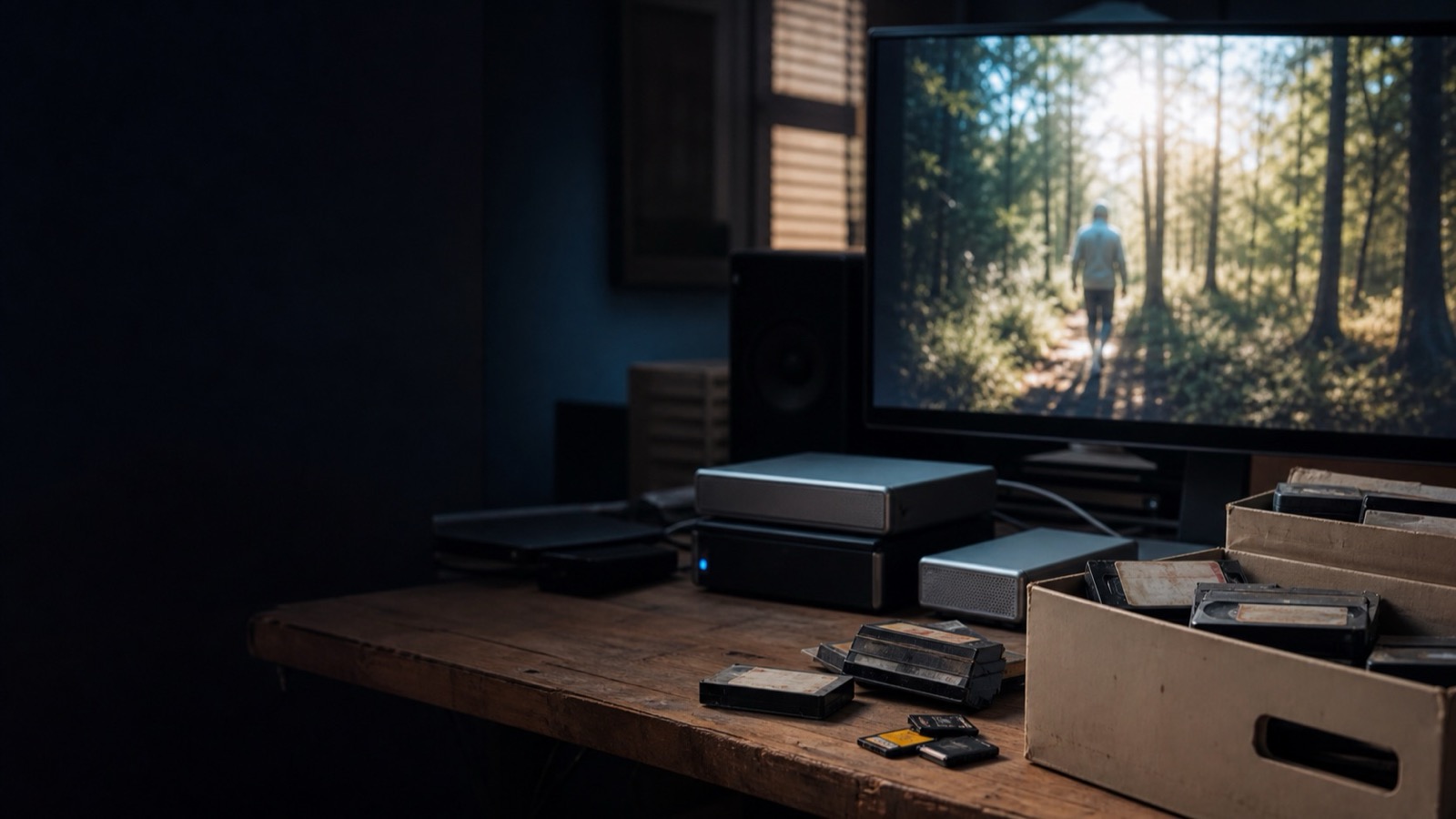
An archive becomes useful when a remembered moment can lead back to its source file.
Stop Organizing Your Footage. Start Searching It.
Archive workflow
Search a local video archive before renaming it: start with a remembered moment, verify the source clip, and let retrieval guide the cleanup.
The short answer
You do not need to rename every file or finish a folder overhaul before old footage can be useful again. Index one bounded archive, search for moments you know exist, and let proven retrieval guide the cleanup that is actually worth doing.
The moment an archive feels messy, it is tempting to promise yourself a complete cleanup. That promise can keep you away from the edit for months.
Folders, reel names, and project dates are useful context. They are not a complete memory of what happened inside a clip. When a new edit needs a particular reaction, line, or establishing shot, a perfect folder tree is less useful than a reliable way to retrieve that moment.
Organizing can become a project with no finish line
An archive cleanup often starts with good intentions: make a master folder, normalize names, remove duplicates, and build a taxonomy that will hold forever. In practice, every old drive has exceptions. The work expands until the archive feels like a restoration job rather than material for a new story.
That does not make organization pointless. It means the first question should be more specific: what do you need to find this week? Retrieval gives the cleanup a purpose.
- File names capture logistics.A file can record the camera, date, and card order without preserving the spoken line, action, or image that will matter in a future edit.
- Future use is hard to predict.A clip with no value to the original project can become the exact bridge, cutaway, or memory a later story needs.
- Moving sources creates risk.Renaming or relocating media before you need to can break project links and make it harder to verify where a result came from.
Start with a moment you can describe
Pick a question with a known answer: “the red crater above the dark coast at dusk,” “the winding road through volcanic ground,” or “the waterfall between green cliffs.” These are useful tests because you can tell whether a result is genuinely relevant.
A content-aware search system can use the visuals, speech, people, and scenes in a video as paths back to a candidate moment. The file name remains the same; what changes is the route you take to it.
World Photography Day · August 19
Can you find this shot without opening twenty folders?
One remembered image. Six frames from a small video test archive. Choose the frame that matches the description.Choose a frame to test your eye, or reveal the answer.
Let successful searches decide what deserves cleanup
Once you can retrieve a moment, the next organizational step becomes obvious. You may save a verified range, add a plain-language note, or collect several related clips for the current edit. Those changes follow real use instead of a theoretical filing system.
- Choose one contained archive.Start with a single drive or a completed project. Keep the original source paths intact while you test retrieval.
- Search for three remembered moments.Use descriptions that a collaborator would understand without knowing your folder system.
- Review the source at the result.A match is a starting point. Check the surrounding action, image quality, audio, and permissions before treating it as a select.
- Only then preserve what keeps helping.Make a collection or note for repeated results. Leave the rest of the archive alone until there is a reason to touch it.
Keep the source in the loop
Search results are not final editorial decisions. A result can contain the right person but the wrong expression, or the right line but unusable sound. Good retrieval shortens the hunt; it does not remove the need to watch and judge the original material.
A useful archive is not the neatest one. It is the one that can show you the evidence when an edit asks for it.
Where Focus fits
Focus is the local video search application our team is building. It can make speech, visual content, people, and scenes searchable, then open a result at its source moment for review. It is intended to help you retrieve material before the timeline, not replace an editor or NLE.
Indexing requires local processing time, and every result should be verified against the source. Focus does not recover files from a disconnected or damaged drive.
Try Focus on your own footage →